Verify Webhooks Requests
Learn how to use the signing secret to verify your webhooks.
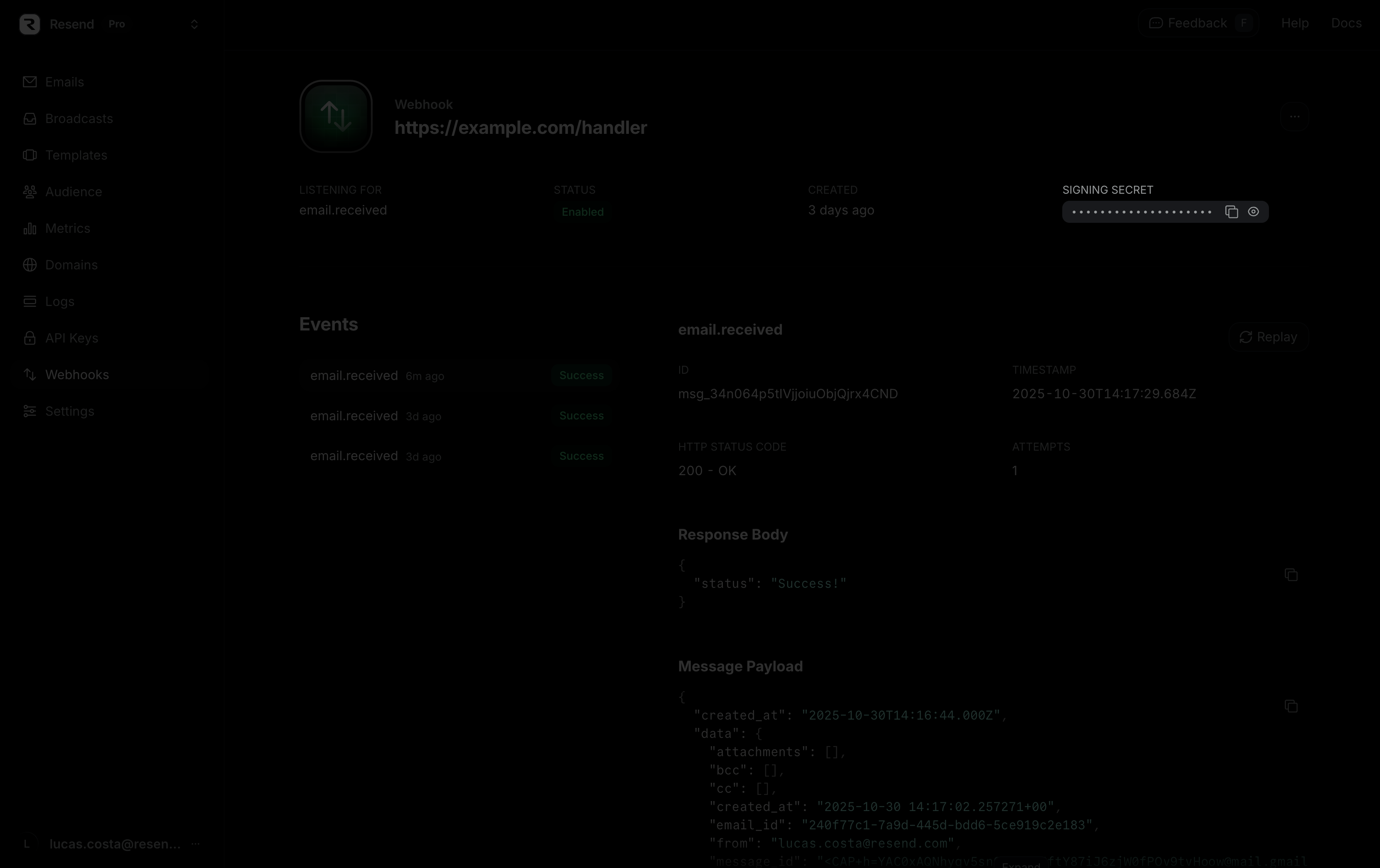
Webhook signing secrets are used to validate the payload data sent to your application from Resend. You can find the signing secret on the webhook details page.

Calls to create, retrieve, or list webhooks will also return the signing secret in the response body.
To verify the webhook request, you can use the Resend SDK, as in the example below.
Alternatively, you can manually use the Svix libraries and manually pass it the headers, body, and webhook secret. Learn more and view all supported languages here.
To verify manually, start by installing the Svix libaries.
Then, verify the webhooks using the code below. The payload is the raw (string) body of the request, and the headers are the headers passed in the request.
If you prefer, you can also manually verify the headers as well.
